
You ship the feature on a Tuesday. Usage looks healthy. Nobody changes the model, nobody touches the prompt, and then the monthly invoice arrives at roughly double the forecast.
Finance asks which feature caused it. Engineering checks three provider dashboards and still can't answer. One key served production, staging, and a forgotten prototype. Output limits were never set. A summarization job runs on your most capable model for no reason anyone can remember.
That's the normal starting point for AI cost optimization. You're not negotiating a better list price. You're pulling a small set of levers. Which model handles each task. How requests are batched and cached. How output and reasoning tokens are capped. How traffic is routed when a provider throttles you. And whether you can see spend per call, per key, and per feature.
Gateways pull some of those levers and not others. Routing and failover mainly buy reliability. They don't lower a provider's price by themselves. Each tool below is judged on the lever it moves, including a worked model-choice example in the first item.
Visibility shows where the money goes. Policy decides whether it's saved.
Table of Contents
- 1. Openbase
- 2. LiteLLM
- 3. Portkey
- 4. Helicone
- 5. Cloudflare AI Gateway
- 6. OpenRouter
- 7. Amazon Bedrock
- How the seven options compare on the cost levers that matter
- Match the Tool to the Lever You Need to Pull
1. Openbase
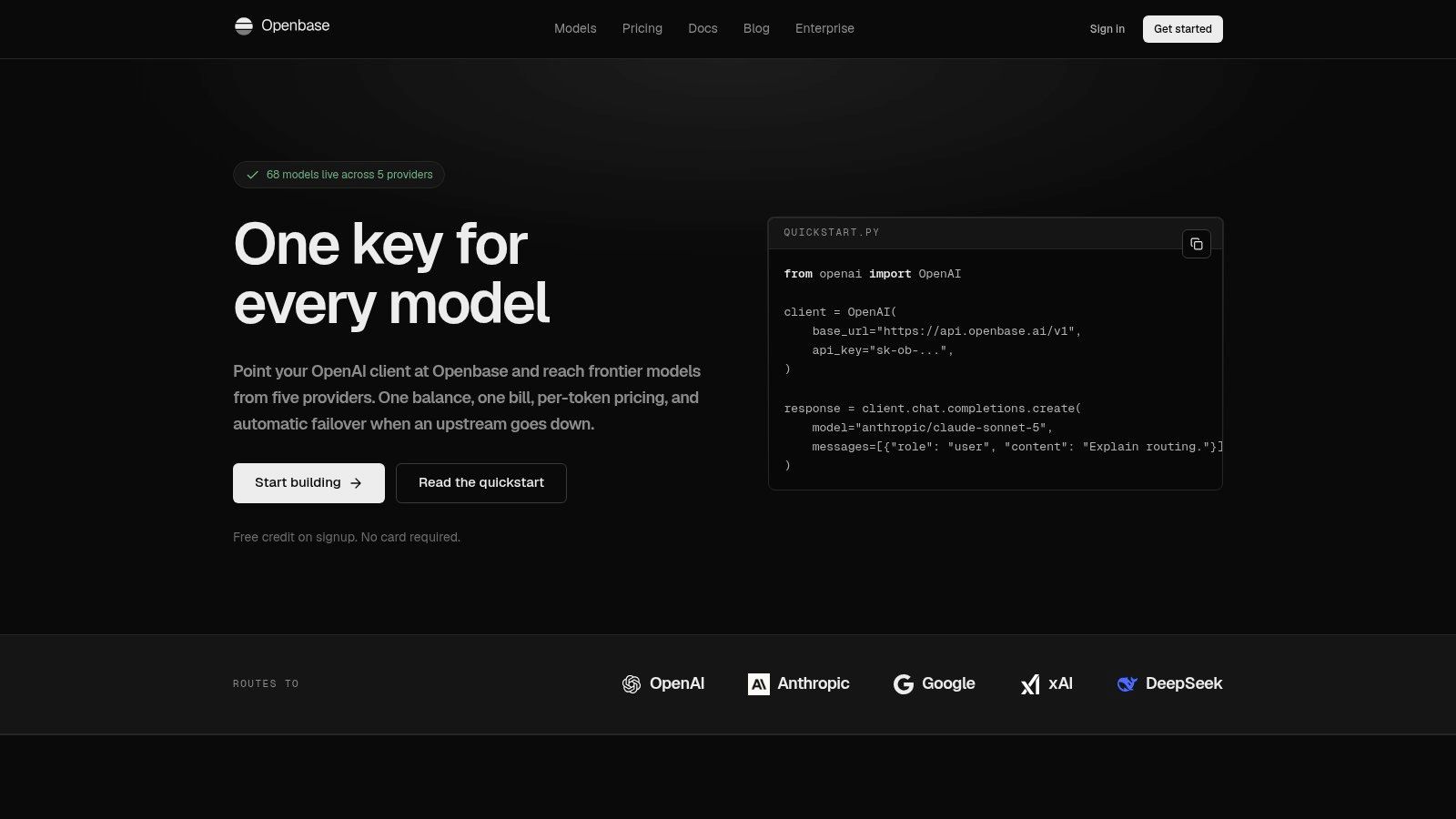
A team routes a routine summarization request to a costly model because that is the default. Openbase lets you test a cheaper suitable model through one OpenAI-compatible endpoint, without rebuilding the client integration. Swap the API key and call models from OpenAI, Anthropic, Google, xAI, and DeepSeek using provider-prefixed names. Streaming and tool calling retain a familiar request shape.
The Lever It Pulls Best
Openbase mainly supports model choice backed by per-call visibility. Its dashboard records the provider, input and output tokens, reasoning tokens, latency, time to first token, and request cost. These details help teams compare models using actual traffic rather than assumptions.
Consider a request that needs solid general capability, not frontier reasoning. Stanford's 2025 AI Index reported that a model reaching GPT-3.5-level MMLU performance cost $20 per million tokens in November 2022, while Gemini-1.5-Flash-8B reached the same score at about $0.07 per million tokens by October 2024, a decline of more than 280 times as reported in Stanford's 2025 AI Index research and development chapter. This comparison is an example of the model-choice lever, not a saving produced by the gateway. The cost falls only if you move suitable requests to the cheaper capable model and confirm quality, latency, and spend in production logs.
Check Openbase's per-model pricing before estimating savings. Compare listed rates with your real token mix; prepaid per-token pricing does not guarantee a lower bill if usage patterns differ.
Where It Helps and Where It Doesn't
- Billing consolidation: One balance, account, and monthly invoice replace separate provider top-ups. Unlimited API keys with per-key controls can help separate teams and environments.
- Reliability, not discounts: If an upstream provider is rate-limited or unavailable, Openbase can retry through another configured provider. This can reduce failed requests, but does not lower token prices.
- Low-friction testing: Free signup credit is available without a credit card, making it possible to test routing and cost logging on real traffic.
The trade-off is scope. Compatibility centers on Chat Completions, so provider-specific APIs or features may need adaptation. Openbase suits engineering, platform, product, and data teams that need multi-provider access and consolidated billing, and can use per-call records to change model assignments.
2. LiteLLM
LiteLLM takes the opposite bet. You run the gateway yourself.
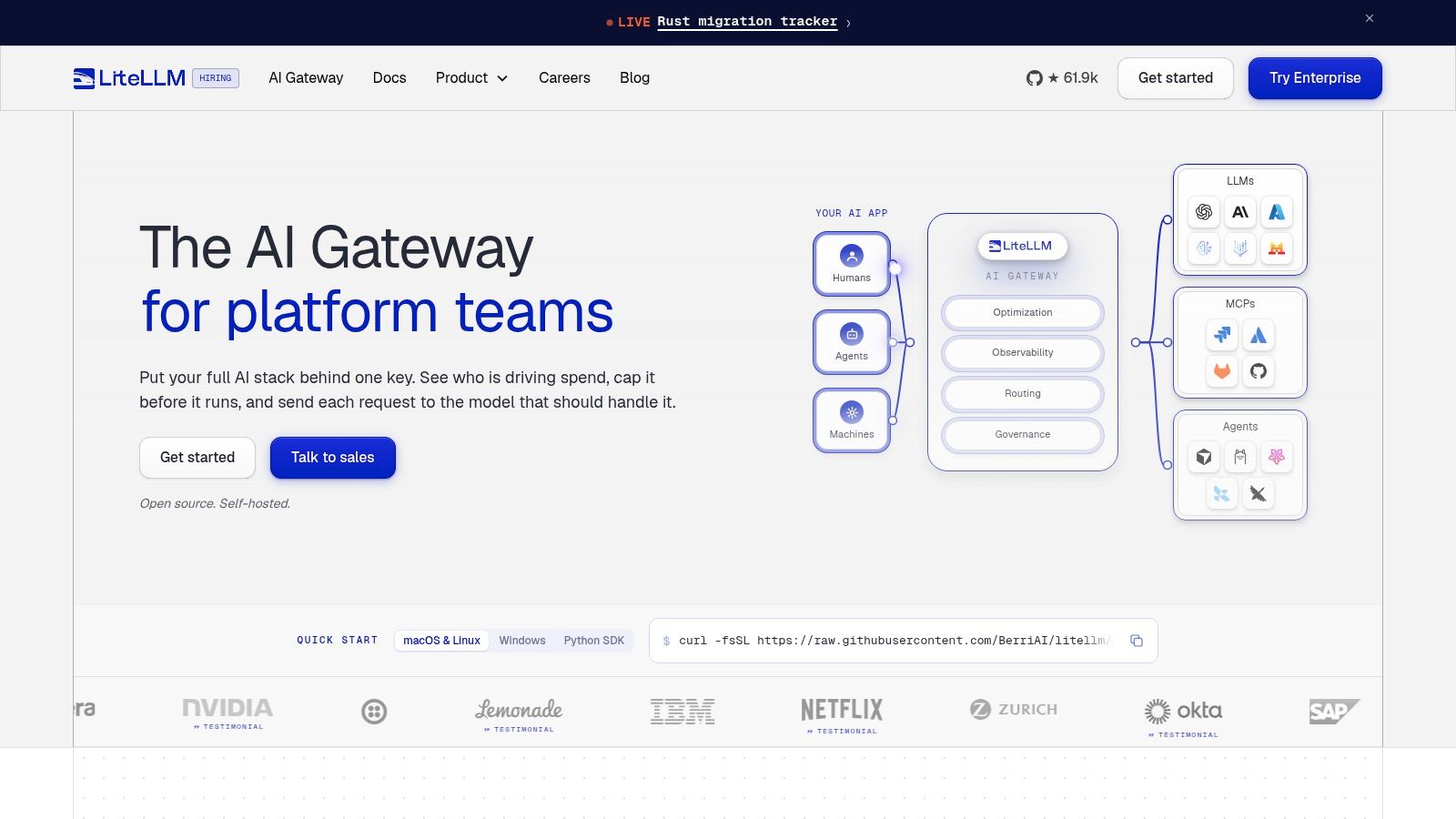
It's an open-source, self-hosted gateway that exposes many model providers through one API. For a platform team with strong infrastructure habits, that's attractive. Traffic and credentials stay inside your environment. There's no per-token gateway fee on the self-hosted path, and you control upgrades, logging destinations, and network boundaries.
Cost Controls You Operate Yourself
LiteLLM's practical value sits in spend tracking and budget enforcement. You can track usage by key, user, team, or organization, then apply budgets and rate limits around those boundaries. A model price map helps estimate and record request costs, which gives finance a consistent view even when teams use different providers.
Fallbacks and request logging are included, but don't confuse them with savings. A fallback keeps the app alive when a provider fails. It can just as easily move traffic to a more expensive model if you've configured it carelessly. The saving comes from your routing policy, your model allowlist, and your willingness to downgrade simple tasks.
Practical rule: If you self-host the gateway, assign an owner for upgrades, price-map accuracy, and budget alerts. Unowned infrastructure becomes another blind spot.
The downside is exactly what you'd expect. Your team deploys it, patches it, scales it, and debugs it at inconvenient hours. Enterprise governance and support require a sales quote. Choose LiteLLM when control and data locality matter more than operational convenience, and when you've got engineers who'll maintain routing policies instead of installing the tool and forgetting it.
3. Portkey
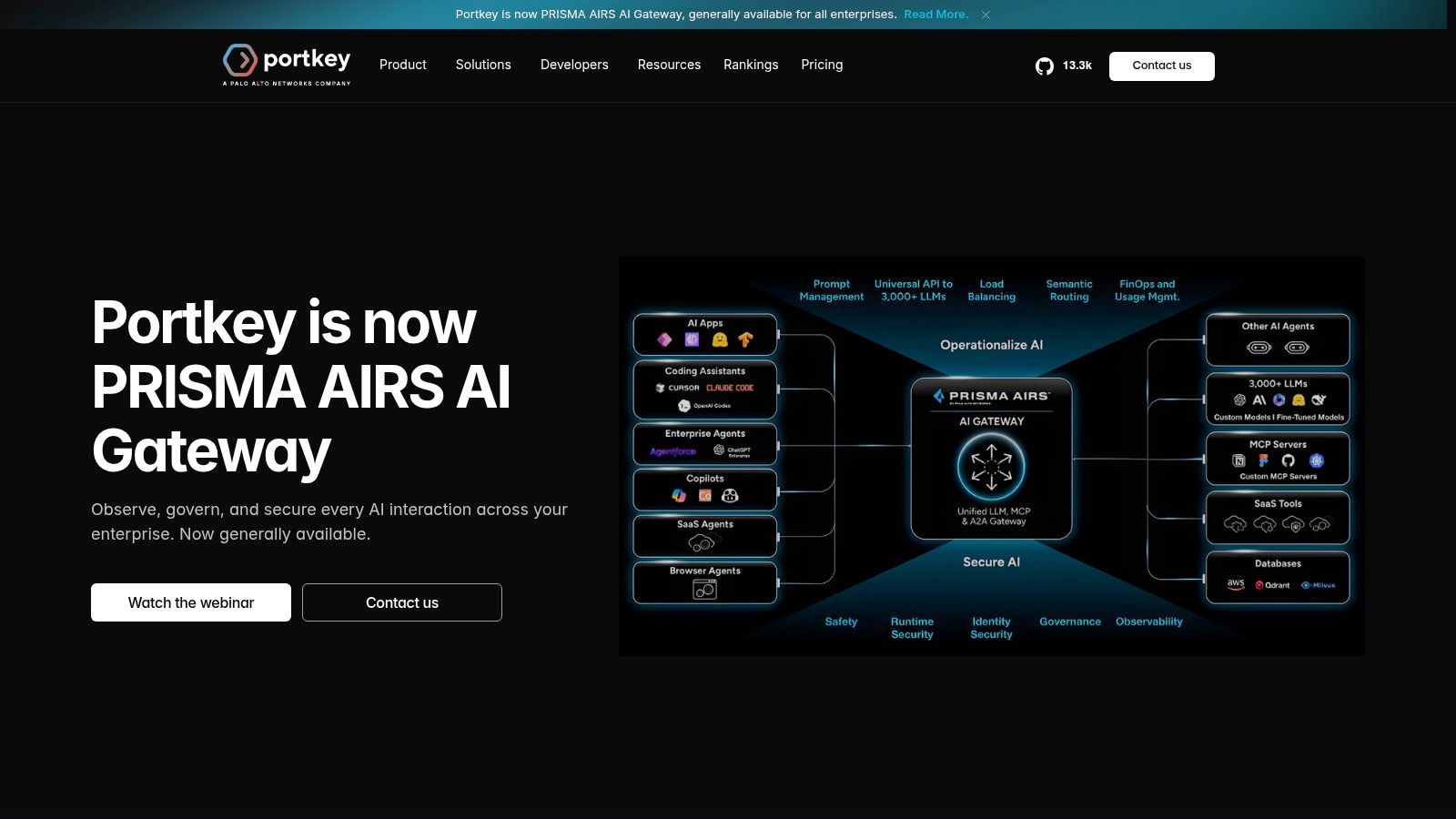
A retry policy can turn a provider outage into an unexpected bill. Portkey combines a managed gateway and observability, with routing, load balancing, retries, and fallbacks alongside logs, traces, filters, alerts, and usage metadata. These controls help teams identify which requests drove spend. They do not reduce a model's list price on their own.
During an incident, a cost spike and a latency spike may have the same cause: retries against a failing provider, or a prompt change that doubled context length. Traces paired with usage data help pinpoint the source. Then you can change the retry policy, shorten the prompt, or route work to a cheaper model.
Caching Is the Direct Saving
Portkey offers simple and semantic caching on paid tiers. Caching can eliminate provider calls when requests repeat. Repeated support questions, classification prompts, and stable document lookups may suit it, provided the team checks answer correctness and cache invalidation. If an answer depends on fresh account state, caching can return stale information and is the wrong cost lever.
Prompt templates, versioning, and playground tools support a different lever: token use. They help teams test whether a shorter system prompt preserves answer quality. Savings arrive only after someone ships the shorter prompt.
For example, if repeated support requests account for a share of your spend, caching eligible requests can cut those calls. A gateway can also expose retries and token usage that were previously hard to see. Neither change lowers the model's per-call price; routing to a cheaper model would address that lever directly.
- What works: Gateway controls and observability sit together. Production plans add fallbacks, alerts, and role-based access.
- What to watch: Log allowances and overage charges can affect costs at high request volumes. The free tier is described as unsuitable for production.
- What may push you upmarket: Custom security, data residency, or private-cloud requirements may call for Enterprise.
To assess billing consolidation, ask whether a vendor shows per-call costs and usage details. Openbase's billing documentation offers a reference for the detail to look for. Portkey fits teams that need caching and request-level visibility, rather than a gateway expected to make the same model cheaper by itself.
4. Helicone
Start with a question your current stack may not answer. Which application path produced your ten most expensive requests yesterday?
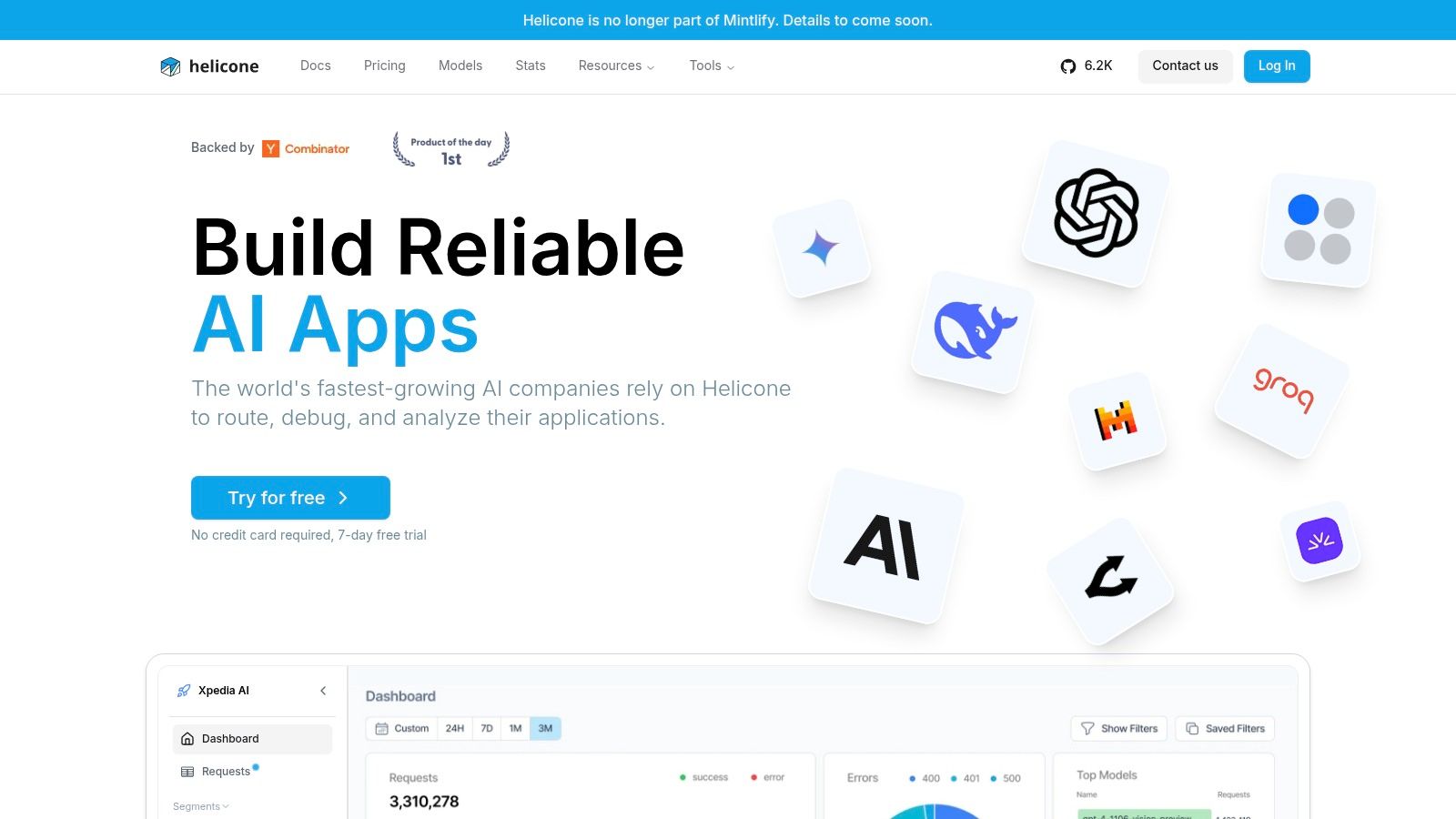
Helicone leads with request monitoring. Reports, alerts, custom properties, and its query language help you slice usage by the dimensions your app already knows, such as feature, customer tier, or workflow step. That's often the missing link between a provider invoice and a product decision.
Visibility First, Controls Second
Helicone also provides gateway features including caching, rate limits, and automatic fallbacks. Use them deliberately. Rate limits protect you from runaway loops. Caching removes repeated work. Fallbacks protect availability. None of them fixes a workflow that asks for far more reasoning than the task needs.
That last point is underpriced in many budgets. Microsoft Research estimates median energy use for a frontier-scale query at 0.34 Wh, while increasing test-time computation to 15 times the typical token count raises median energy use 13-fold to 4.32 Wh in the ACL paper on AI inference energy and test-time compute. Translate that into application terms and the lesson is simple. Long reasoning traces, retries, and tool-call loops multiply total work. Monitoring has to expose those patterns by request type, then engineers need escalation thresholds and early exits.
Helicone's free tier gives small workloads a low-risk start. The trade-offs appear as you scale. Higher volume can bring usage-based charges, hobby retention is limited to 7 days, and longer retention depends on plan. Team and Enterprise tiers add collaboration and compliance-related options.
Pick Helicone when diagnosis is the bottleneck. If you already know the wasteful workflow and need enforcement, buy the tool that blocks or reroutes it. A beautiful chart of an expensive request is still an expensive request.
5. Cloudflare AI Gateway
For teams already on Cloudflare, Cloudflare AI Gateway is the low-friction experiment. Core gateway features are available at no additional charge, so you can test analytics, limits, and caching without starting a procurement fight.
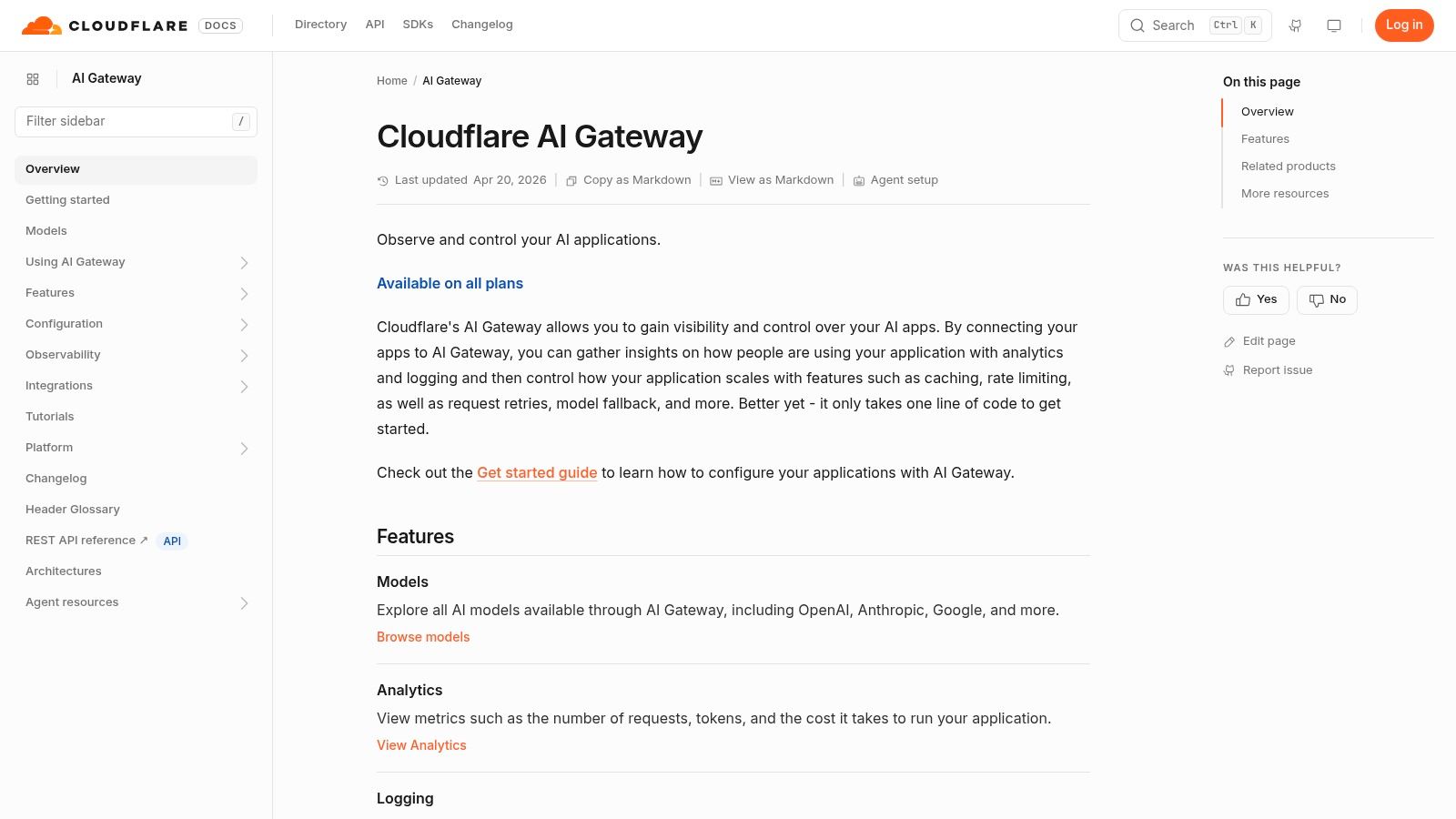
The gateway sits between your application and model providers. It reports requests, tokens, and estimated cost, and it supports cost-based spend limits with custom cost settings. Those controls won't optimize a prompt for you, but they can stop a broken client from turning a bug into a weekend of uncontrolled calls.
Exact-Match Caching Has a Narrow Job
Cloudflare's caching can avoid a provider call for a repeated identical request. That's useful for deterministic, repeated prompts. It's much less useful for chat traffic where one changed word, timestamp, or user identifier produces a different request. Small prompt differences won't reuse the cached response.
Caching is also disabled by default. You have to configure it, decide what's safe to reuse, and measure hit rates. Retries and model fallback improve resilience, while rate limiting caps blast radius. Separate charges may still apply for Workers AI inference and log exports, so free gateway features don't mean the whole surrounding workflow is free.
Don't count cache savings until you've measured real hit rates on production prompts. Demo traffic repeats itself far more neatly than users do.
This is a sensible first gateway if you're Cloudflare-centric and your workloads include repeatable requests. It's less compelling if your main waste is oversized context, excessive reasoning, or every task defaulting to a premium model. Those problems live in application policy, and no edge gateway can infer the right policy for you.
6. OpenRouter
A production app can need a different model for classification than for complex reasoning. OpenRouter gives teams one OpenAI-compatible API to compare models and providers, then switch without integrating each provider separately. Its broad catalog makes trials easier, but catalog access alone does not cut a bill.
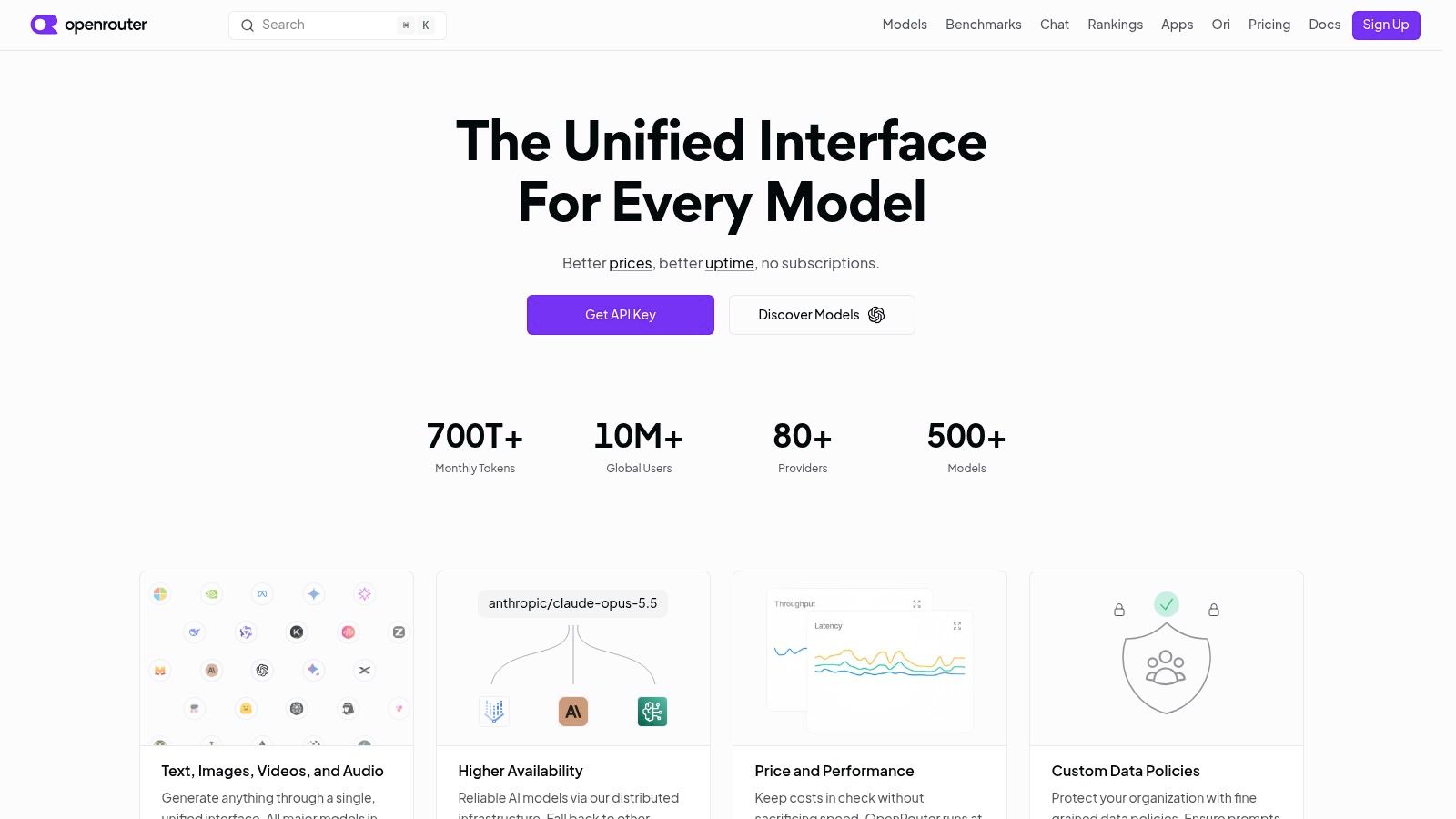
Activity logs help compare actual usage across models. Paid plans also offer budgets and spend controls, plus automatic routing, preferred-provider selection, and prompt caching. These features can reduce waste when configured around real workloads. They do not lower a model's list price by themselves.
Consolidation Is Not a Discount
A single billing balance can reduce account sprawl, but it does not guarantee the lowest per-token rate. Standard and Business plans charge platform fees on credit purchases, so compare the total cost, not just headline model prices. The pricing FAQ also says failed model attempts are not billed for model tokens.
For example, if an app sends every request to a premium model, consolidating billing changes where the charge appears, not its size. Routing simple classification to a lower-cost model can reduce spend, provided it meets your accuracy needs. Caching may avoid repeat calls, while activity logs help expose token use. Measure each lever separately, and include platform fees in the comparison.
Compare OpenRouter's catalog-first approach with your production shortlist. Browsing the models available through Openbase can help frame the choice: do you need broad access, or dependable access to the small set your app uses?
- Best use: Fast model trials, provider switching, and teams that value catalog breadth over operating their own gateway.
- Free-tier limit: Free access has model and request limits, so use it for evaluation rather than production capacity.
- Enterprise boundary: SSO, contractual SLAs, or private endpoints may require Enterprise.
OpenRouter pulls the model access lever. Savings still depend on your benchmarks: route classification to a smaller model only after testing accuracy on your data, and reserve the more expensive model for requests where its added capability changes the result.
7. Amazon Bedrock
A team already running identity controls, logging, networking, and billing in AWS can keep its AI workloads in that operating model with Amazon Bedrock. It is an AWS platform for model access and inference optimization, not a provider-neutral gateway. That distinction matters when comparing its costs with tools built to route across clouds.
More Optimization Modes to Configure
Bedrock offers prompt caching for supported models, Intelligent Prompt Routing, and model distillation, alongside on-demand, batch, and provisioned-throughput inference. Each option pulls a different cost lever. Use batch for overnight document processing when low latency is unnecessary; reserve interactive inference for requests that need a fast response. Check prompt caching eligibility and routing behavior for the models you use.
For example, a team processing documents overnight can compare batch with its current on-demand usage, then test whether prompt caching reduces repeated-input work. Intelligent Prompt Routing can direct requests among supported models, but a lower bill depends on the chosen route and whether the result meets quality needs. Provisioned throughput is another option to assess against your traffic pattern and expected utilization. Gateways and routing can reduce waste and close visibility gaps, but they do not lower a model's list price by themselves.
Bedrock does not let customers configure serving-stack choices such as bfloat16 precision or TGI. Those settings are not usable Bedrock cost levers, so a self-hosted H100 energy study cannot guide Bedrock pricing decisions. Compare Bedrock's on-demand, batch, and provisioned options using your workload and AWS pricing, rather than treating energy per request as a dollar-cost estimate.
Savings depend on supported models, traffic shape, and the inference option. Review AWS pricing against your own volume before committing. Bedrock fits AWS-centric teams prepared to test these levers; teams that only need one API key, failover, and per-call cost records may find it heavier than necessary.
How the seven options compare on the cost levers that matter
| Item | Model access | Caching | Cost visibility | Best for |
|---|---|---|---|---|
| Openbase | OpenAI, Anthropic, Google, xAI, and DeepSeek through one API | Not specified | Per-request token usage and exact cost; consolidated invoice | Teams seeking unified access, provider retries, and clear usage tracking |
| LiteLLM | 100+ providers through a common API | Not specified | Spend tracking by key, user, team, or organization | Engineering teams wanting a self-hosted, flexible gateway |
| Portkey | Managed gateway with provider routing and fallbacks | Simple and semantic caching on paid tiers | Logs, traces, usage metadata, and plan-related log charges | Teams needing gateway controls and observability in one product |
| Helicone | Gateway access with fallbacks; provider range not specified | Gateway caching available | Request monitoring, reports, alerts, and usage data | Teams identifying costly models and request patterns |
| Cloudflare AI Gateway | Integrations across multiple model providers | Exact-match caching; configurable | Analytics for requests, tokens, and estimated cost | Teams wanting free core gateway features and traffic controls |
| OpenRouter | Large model and provider catalog through one API | Prompt caching on paid plans | Activity logs, budgets, and spend controls | Teams comparing and switching models through one integration |
| Amazon Bedrock | Models through AWS | Prompt caching for supported models | Costs depend on model and inference option; assess AWS pricing | AWS-centric teams optimizing inference within AWS |
Match the Tool to the Lever You Need to Pull
A doubled invoice needs an explanation before it needs another platform. Start with a week of traffic and identify which cost lever can change the bill.
Export one week of per-call logs with model, provider, input tokens, output tokens, reasoning tokens where applicable, latency, status, and cost. Group requests by model and type, then rank the three largest spend drivers. Common candidates include a premium model used for extraction, uncapped responses, and long context resent on repeated calls. Check the logs rather than guessing.
Apply the lowest-risk change first:
- Choose a cheaper model: Test a smaller model on representative classification, extraction, short-summary, and routing tasks. Keep higher-capability models for ambiguous or high-value work. This pulls the model-choice lever.
- Limit work per request: Set output limits, reasoning budgets, retry ceilings, and agent iteration limits by request type. Track cost per successful task. A low-cost answer that triggers retries or human correction can raise the total.
- Cache repeated requests: Cache only when prompts recur and freshness rules are clear. Track hit rate alongside the risk of serving a stale or incorrect answer.
A gateway can help route requests, reuse results, and expose token use, but it does not reduce a provider's list price by itself. For example, if a workload costs $1,000 at current rates, routing simple tasks to a cheaper model or caching repeats can reduce the bill. Adding a gateway without changing model mix, request volume, or provider rates may improve visibility and reduce operational waste, but does not make the same tokens cheaper. Separate those savings from the cost of the gateway and any usage charges.
Budget scrutiny strengthens the case for measuring before buying. A 2025 Bain survey of 480 technology leaders found that about 69% expected AI-related spending to increase by more than 5%. Bain also says systematic technology-portfolio pruning can reduce software and maintenance costs by roughly 10% to 30% according to Bain's guidance for CIOs scaling AI while controlling technology costs. For LLM workloads, pruning can mean removing redundant models, prompts, keys, or provider paths that add no quality or reliability. Use consolidated logs for monthly chargeback, anomaly alerts, and routing decisions.
Choose by Missing Capability
Choose LiteLLM when self-hosting and control matter. AWS-centric teams can evaluate Bedrock for prompt caching, routing, distillation, and batch-friendly inference modes. Teams with repeatable requests can test Cloudflare AI Gateway. For diagnosis and request visibility, compare Helicone and Portkey. OpenRouter fits experimentation across a broad model catalog. Openbase fits teams that need one key across providers, mid-flight failover, and per-call records showing reasoning-token cost. These options address different gaps; compare them by the lever you need, not by feature count.
Capacity also affects costs, even when it does not appear directly on an API invoice. The International Energy Agency estimated that data centers used about 415 TWh of electricity in 2024, roughly 1.5% of worldwide electricity consumption, and its base case projects about 945 TWh by 2030 in the IEA analysis of energy demand from AI. That power bill may sit with a provider, but capacity constraints can affect availability, latency, and price. Paying more per token can make sense when it buys reliability or geographic flexibility. Name the benefit, then check that the workload needs it.
After each change, compare quality, latency, retries, and cost per successful task. Keep changes that hold up; revert those that shift expense into support tickets or human review. Repeat monthly. That makes AI cost optimization an operating habit rather than a one-time model swap.