
Teams managing more than 250 API credentials spend up to 15 hours a week provisioning, managing, and dealing with API secrets. 64% of companies report that level of credential sprawl, and 3% already manage more than 1,000 API credentials, which is why api key management has become an operational control, not a clerical task. SecurityWeek's credential leakage coverage makes the scale clear.
The actual risk is that keys aren't just being issued, they're being copied into build systems, shared across teams, and left alive long after they should have been retired. In 2025, public GitHub repositories saw 28,649,024 new secrets exposed, a 34% year-over-year increase, and 70% of leaked secrets from 2022 were still active, which means exposure often turns into ongoing access rather than a one-time mistake. Openbase security context is useful here because the same control patterns, scope, isolation, and revocation, apply whether you're securing an API key for a third-party service or a key that gates internal automation.
Table of Contents
- Why API Key Security Matters Now
- Managing the API Key Lifecycle
- Handling Keys for AI Agents and Automation
- Comparing Storage Solutions
- Responding to Key Exposure Incidents
- Building a Sustainable Key Strategy
Why API Key Security Matters Now
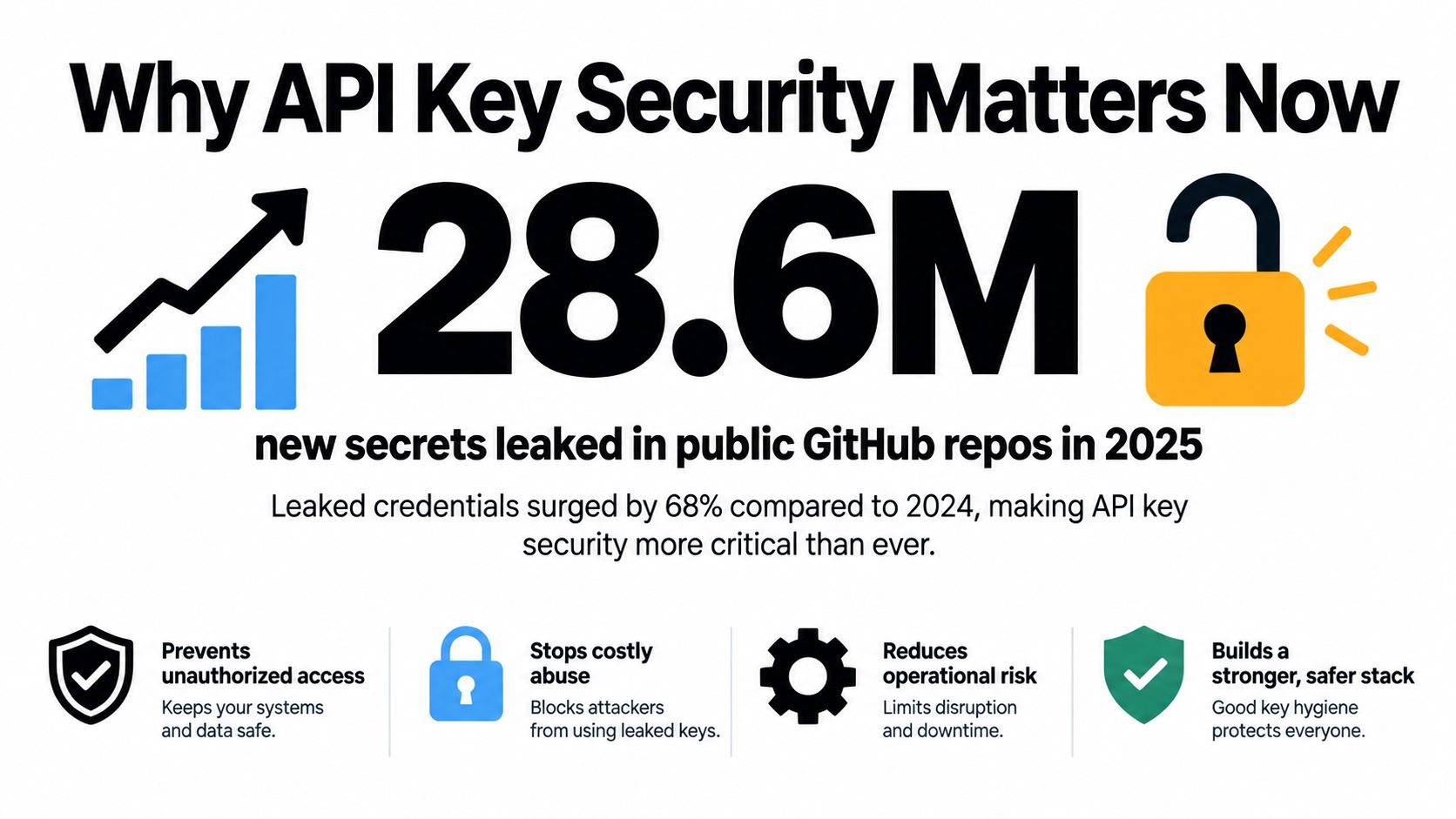
Public exposure is no longer an edge case. GitGuardian's 2026 reporting, summarized in Akeyless's coverage, found 28,649,024 new secrets exposed on public GitHub in 2025, alongside a 34% year-over-year increase. Earlier reporting showed 23.8 million secrets leaked in 2024, up 25% from 2023. The persistence problem matters just as much, because 70% of leaked secrets from 2022 were still active, so disclosure often outlives the original incident window. Akeyless's summary of GitGuardian's report captures why this has become a lasting operations problem, not a one-off cleanup.
A common failure path is simple. A developer pushes a repository with a hardcoded credential, a bot copies it into a test job, and a second workflow starts using the same secret in production because the environments were never separated. By the time anyone notices, the key is embedded in processes that keep trying to use it.
The old advice, “keep keys private,” is not enough when secrets move through CI pipelines, shared notebooks, and agentic workflows. The question that matters is whether a leaked key can still do damage, and whether your team can revoke it before it becomes a standing credential. For a practical baseline on defensive controls, Openbase security guidance maps well to environments that need per-environment separation and fast revocation.
Managing the API Key Lifecycle
A key should have a clear start, a defined purpose, and a retirement plan. Static secrets age poorly because privileges drift as systems change, and teams lose track of where a credential still works.
Generate and store with purpose
Issue the narrowest key that can do the job. OWASP's secrets guidance supports centralized storage, standardized policies, automated rotation, and fine-grained access control, which matches a practical rule: if a service does not need broad access, do not give it broad access. OWASP's Secrets Management Cheat Sheet is direct about centralized storage and access logging because both make administration and incident response easier. Centralized secret stores work because they give you one control plane for access, audit, and deletion, as outlined in authentication and key handling guidance.
Practical rule: the credential should fit the workload, not the reverse.
Do not hardcode secrets into source code, container images, or Terraform variables that get copied between environments. Store them in one place, then control access from there. That reduces duplication, makes review easier, and gives you a single deletion path when a key has to be removed.
Rotate without breaking service
Rotation works only when it is staged. Generate a replacement key, deploy it to dependent services, verify traffic is still flowing, and revoke the old key only after the new one is proven. If you revoke first, the outage becomes the security event, and the team will remember the downtime more than the control improvement.
A sound lifecycle also needs a consistent retirement policy. OWASP supports automated rotation and least-privilege access, and a common pattern for third-party keys is to use short-lived scoped tokens whenever the provider supports them, then keep longer-lived credentials for the cases where the software has no other workable option. The goal is not ritual rotation. It is reducing the blast radius when a key leaks or when a service is decommissioned.
Do not make revocation a manual scavenger hunt. If the team cannot tell where the key lives, it cannot remove it safely.
Handling Keys for AI Agents and Automation
AI agents change key management because they reuse credentials across workflows, often faster than a human reviewer can spot the pattern. The risk is not a single leak. It is a long-lived credential with more access than one job needs, spread across services, teammates, and automation chains. Postman's 2025 State of the API points toward least-privilege scoping for agents, while 1Password's credential-sprawl research frames control as a governance issue, not just a storage issue.

The practical answer is to stop using one shared integration key. Give each agent, service, or environment its own credential, then scope it to the exact resource or action it needs. If one automation goes off-script, you can revoke that path without taking down the rest of the estate.
Visibility matters just as much. Agents are chatty, and their requests often cross multiple systems, which makes it harder to tell normal use from abuse. Logging needs to show who or what used the key, from where, and for which action, because lifecycle control without usage visibility turns into guesswork.
Policy has to sit above the code layer. If teams can mint long-lived keys freely, they will do it for convenience, especially during prototype work. The better pattern is to make scoped, environment-specific credentials the default and require explicit review for anything broader. Here's a short embedded reference for teams that want a quick implementation path, with setup steps in the quickstart guide:
Comparing Storage Solutions
Storage choice changes the amount of control you keep versus the amount of operational overhead you accept. Internal secrets managers are usually a better fit when compliance, network boundaries, or custom policy enforcement matter most. Managed cloud vault services are usually easier when teams want faster setup, built-in scaling, and fewer platform responsibilities.
A self-hosted manager gives security teams more direct control over access policies and network placement. That can be valuable when keys must stay inside a tightly controlled environment or when audit requirements demand very specific log handling. The trade-off is that your team owns upgrades, availability, and backup discipline.
Managed vault services reduce that burden, but they also narrow your ability to tune the system. Integration is often easier, especially if your stack already lives in that cloud, and built-in audit logs can make it simpler to trace who accessed what. The downside is that policy changes, access patterns, and service limits sit inside a vendor boundary you don't fully control.
| Decision point | Internal secrets manager | Cloud vault service |
|---|---|---|
| Operational overhead | Higher | Lower |
| Control over policy | Higher | Moderate |
| Integration effort | Moderate to high | Lower |
| Audit and reporting | Customizable | Usually built in |
| Best fit | Strict governance, bespoke environments | Fast rollout, cloud-native teams |
Openbase fits a related pattern for application credentials. It lets teams create separate keys per environment, revoke one without affecting others, and keep request authentication tied to a single API key model, which is useful when you want clean environment isolation for developer workflows. That doesn't replace a secrets manager, but it shows the value of per-environment boundaries in real operations.
Responding to Key Exposure Incidents
A key exposure incident gets ugly fast if the response starts with debate. The first job is to verify that the credential is exposed and then determine whether it has already been used outside approved paths. Review logs, check the owning application, and compare the observed activity against the change history.
Contain first, investigate second
If the key is live and the exposure is credible, revoke or disable it immediately. Delaying containment just to preserve forensic convenience usually extends the attack window, and a compromised credential doesn't become safer because it's still technically active. Keep the replacement process ready before you pull the old key, so the service can switch over without breaking.
Then inspect access logs for suspicious usage patterns, especially requests that came from unfamiliar tools, unexpected user agents, or unusual timing. Simple rotation advice falls short here, because rotating after the fact doesn't help if the leaked key was already being reused. InfoQ's summary of GitGuardian's 2025 reporting reinforces the point that automated exposure monitoring and data detection matter as much as replacement.
Restore safely and document the path
Once containment is in place, issue a clean replacement credential and update every dependent service deliberately. Notify the teams that own each integration, because a quiet fix in one place often becomes a mystery outage somewhere else. Document what exposed the key, where it was used, and what control would have stopped it earlier.
A leaked key becomes a lasting incident when nobody owns the cleanup.
The response workflow should also distinguish between short-lived and long-lived keys. Short-lived credentials still need immediate action, but long-lived keys demand tighter verification, because they can keep working long after the original leak is discovered. The fastest teams don't just replace keys, they make sure the same failure path can't repeat without being detected.
Building a Sustainable Key Strategy
A sustainable strategy starts with inventory, not heroics. Teams need to know who owns each key, where it lives, which environment uses it, and which credentials can be removed without breaking production. Without that map, every review turns into a scavenger hunt.
Make monitoring part of the design
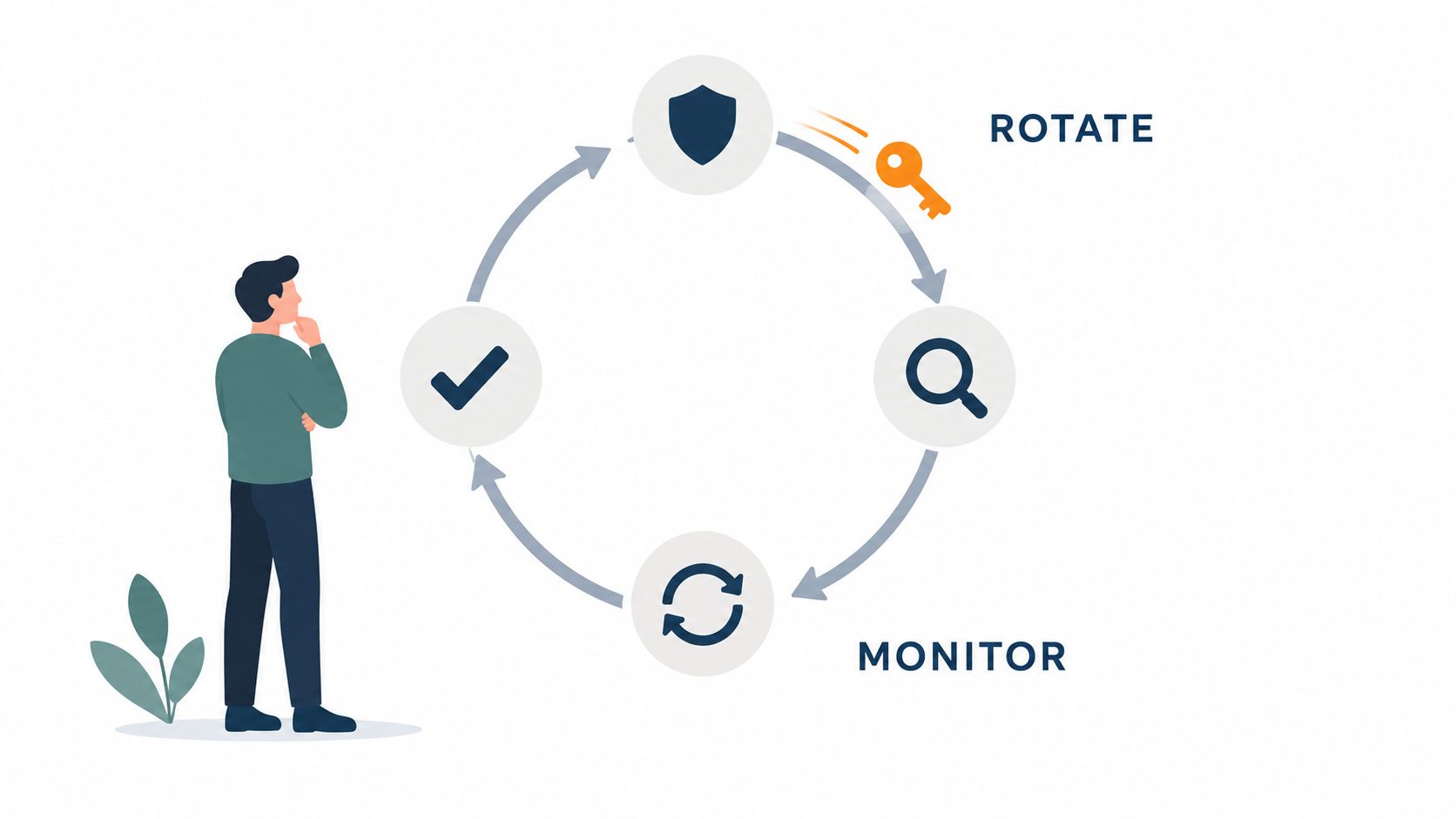
Monitoring should focus on usage, not just existence. Alerts need to cover new credentials, scope changes, and traffic that does not match the expected service or environment. A key can be valid and still be a liability if nobody uses it. A key that is active in the wrong place is already a control failure.
Set boundaries teams can actually follow
Teams usually fail at key management for two reasons, too much freedom at creation time and too little discipline at retirement time. Standardize where keys can be stored, who can request them, and when they must be reviewed. That governance matters most in environments with agents and automated services, where credentials tend to multiply unnoticed and old access paths stay alive longer than they should.
Keep rotation boring
Rotation should be routine enough that it does not require an incident to trigger it. Pair scheduled replacement with immediate revocation on suspicion, use overlapping keys during cutover, and make sure every dependent service has a rollback path. The strongest programs do not depend on memory, they depend on process.
If you need a practical reference point for environment-separated credential handling, Openbase gives teams one place to issue API keys, isolate them by environment, and revoke them without touching unrelated deployments. Use that model as a checkpoint for your own platform, then align storage, rotation, and incident response rules around the same principle, narrow access, visible usage, fast revocation.